


Inconsistent rental agreements create disputes that are difficult to defend
Rental businesses that generate contracts manually — from a Word document, a printed form, or a generic PDF — end up with agreements that vary between bookings. Terms are sometimes missing. Equipment condition clauses are inconsistently worded. Deposit amounts are not always recorded on the agreement. When a customer disputes a charge six weeks after a rental, the contract from that booking may not contain the clause needed to defend it.
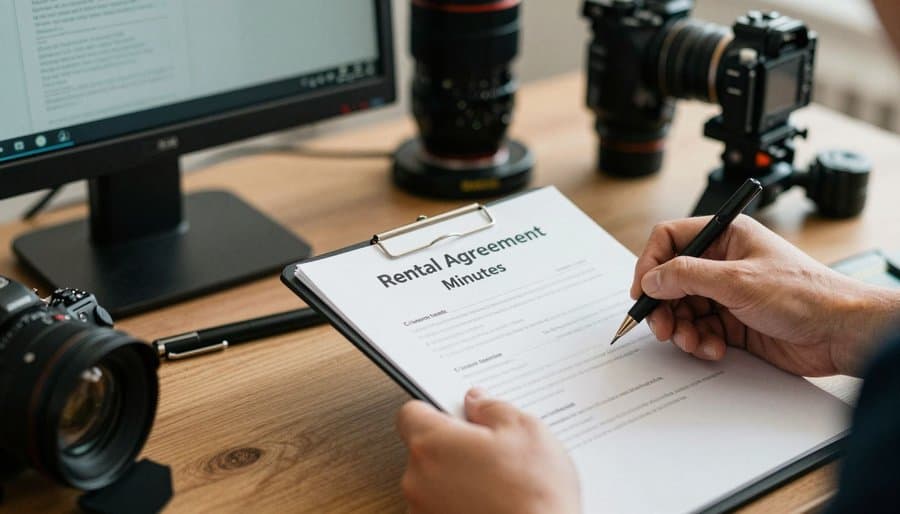
How Renttix generates rental contracts
Contract generation from booking data
Rental agreements are generated directly from the booking record in Renttix. Customer name, equipment items, rental dates, agreed rates, and deposit amount are pulled from the booking automatically — no manual copying or formatting required.
Standard terms applied consistently
Your standard terms and conditions are applied to every rental agreement automatically. Staff are not selecting or attaching terms manually. Every contract that leaves the business contains the same terms — the ones your business agreed to use.
Digital agreement delivery and storage
Generated contracts are delivered to customers as PDF documents directly from the booking record. Every contract is stored against the rental, accessible to any staff member who needs to reference it — no paper filing or shared drives.
Contract history per customer and per rental
Every rental agreement is stored against both the rental record and the customer account. If a customer disputes a charge from a previous rental, the original contract is retrieved from the booking — not from a file cabinet.
Why consistent contracts reduce operational risk
Every rental is covered by the same terms
When terms are applied automatically at contract generation, there is no booking that goes out with missing or outdated clauses. The agreement the customer signs is always the current approved version.
Contracts are retrievable in seconds
Rental agreements are stored against the booking record in Renttix, not in a folder on a shared drive. When a customer disputes a charge, the relevant contract is found from the rental record without a search.
Condition notes are part of the contract record
Equipment condition recorded at the outgoing inspection is stored alongside the rental agreement. The contract and the condition documentation are in the same place — both accessible when a damage dispute needs to be resolved.
Customer approval is tracked in the rental record
When a customer signs or acknowledges a rental agreement, that approval is recorded against the booking. There is no ambiguity about whether a customer received and agreed to the terms before the equipment left the depot.
Industries that rely on this workflow
Integrations that support this workflow
Rental contract questions
A rental contract should include the customer's details, a description of the equipment being rented, the rental start and end dates, the agreed rental rate, any deposit amount held, the conditions under which charges can be made for damage, and the business's standard terms and conditions. Renttix generates contracts directly from booking data, so all of these elements are included automatically.
Yes. A written rental agreement is the primary document protecting a rental business in the event of a dispute. Without a signed agreement, it is difficult to establish what a customer agreed to pay, what equipment condition was accepted at handover, and what terms apply to damage or late return charges. Renttix generates a rental agreement for every booking.
In Renttix, rental agreements are stored against the booking record. Any staff member with access to the rental can retrieve the original contract. Contracts are also linked to the customer account, so a full contract history for a specific customer is available from the customer record.
Yes. In Renttix, terms are stored at the time the contract is generated. Updating your standard terms does not retroactively change existing contracts. Each rental agreement retains the terms that were in place — and agreed by the customer — at the time of booking.
Ready to modernize your rental operations?
Payments + deposits enabled • Quick setup