Workflow
Allow customers to book rental equipment online
Let customers check equipment availability and place rental bookings online while your team keeps full operational control.
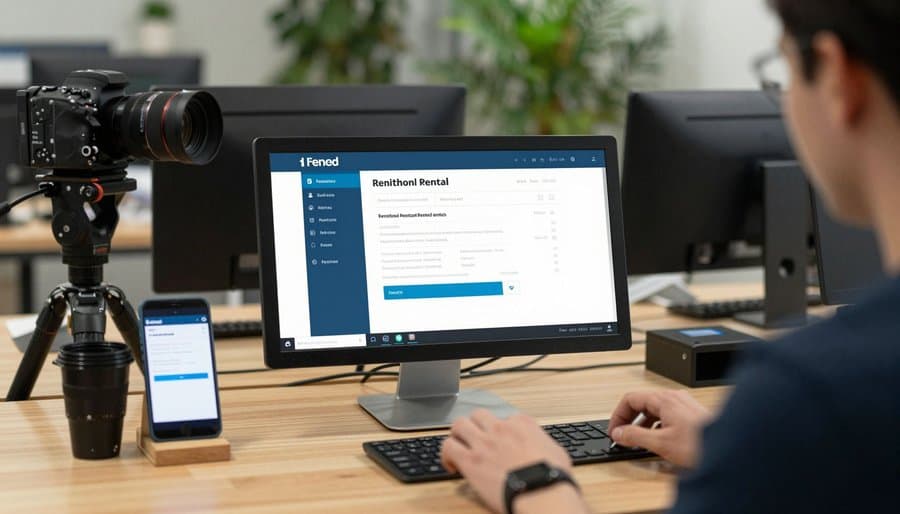
Taking bookings by phone and email creates gaps in your availability picture
When rental bookings come in by phone, email, or walk-in, your team is manually checking availability, confirming with customers, and entering bookings one by one. Each gap between inquiry and confirmation is a window where the same equipment could be promised to two customers. As booking volume grows, the manual overhead grows with it — without any improvement in the customer experience.

How Renttix handles online rental bookings
Customer-facing availability checking
Customers can check equipment availability for their required dates before placing a booking. Availability shown online reflects the same live inventory used by your front desk — no separate system to keep in sync.
Online reservation workflow
Customers submit reservation requests through the booking portal. Each request creates a record in Renttix that your team can review, confirm, or decline. No booking goes live without your team's approval.
Booking confirmation and communication
When a booking is confirmed, the customer receives confirmation automatically. The rental record is created in Renttix with all booking details carried through from the original reservation — no re-entry required.
Payment collection at booking
For businesses using the Stripe integration, customers can pay or place a deposit hold at the point of booking. Payment status is recorded against the rental record and visible to finance without a separate reconciliation step.
What online booking changes for your operation
Bookings captured outside business hours
Customers can check availability and submit reservation requests at any time. Your team reviews and confirms during working hours. No bookings are lost because a customer could not get through by phone.
Availability is always current
Online availability reflects the same live inventory as your internal system. When a booking is confirmed, items are reserved immediately — there is no gap where the same equipment can be promised twice.
Less manual entry for your team
Booking details submitted by the customer carry through to the rental record when confirmed. Your team is not re-entering customer information, equipment selections, or rental dates that the customer already provided.
Deposit collection before equipment leaves the depot
Stripe integration allows deposits to be collected or held as a card authorization at the point of online booking. Rental records show payment and deposit status from the moment of booking.
Online rental booking questions
How does online rental booking work?
Online rental booking lets customers check equipment availability and submit rental requests through a customer portal connected to your Renttix inventory. Requests are reviewed by your team and converted into confirmed rental records when approved. Payment or deposit collection can be handled at the point of booking via the Stripe integration.
Can rental businesses accept bookings online?
Yes. Renttix supports online reservation workflows where customers submit booking requests that your team reviews before confirming. This gives customers a self-service booking experience while keeping your team in control of what is actually confirmed and dispatched.
Does online booking keep availability up to date automatically?
Yes. Availability shown to customers online is drawn from the same inventory records used by your front desk. When a booking is confirmed, items are reserved in the same system. There is no separate online calendar to maintain or synchronize manually.
Can customers pay a deposit when booking online?
Yes, for businesses using the Stripe integration. Customers can pay a rental deposit or place a card authorization hold at the point of submitting their booking request. The deposit amount and payment status are recorded against the rental record automatically.
More workflows
Track every piece of rental equipment in real time
Maintain full visibility of your rental inventory. Know what is available, on rental, under maintenance or reserved at any point in time.
Create professional rental agreements in minutes
Generate clear rental contracts for every rental. Protect your business with consistent agreements and automated contract generation.
Manage customer accounts, credit terms and rental history
Track account customers, payment terms and rental history from a single dashboard. Give your team full visibility of every customer relationship.
Equipment Availability Calendar for Rental Businesses
See what's available, when, and for how long — before you quote, before you book, before you disappoint a customer.
Open your first rental record today
14-day free trial · Payments and deposits ready · Quick setup