Feature
Enterprise Security & Access
Single sign-on, passkeys, two-factor, and role-based permissions — access control that satisfies your IT team, not just your ops team.
Sign-in your IT department will approve of
The moment a rental business passes a certain size, software gets judged by a second audience: the people responsible for security. Their first questions are always about identity.
Renttix answers them properly. Single sign-on connects the platform to your identity provider, so joiners, leavers, and password policy are governed where your IT team already governs them — with an admin portal link for configuring the connection without support tickets.
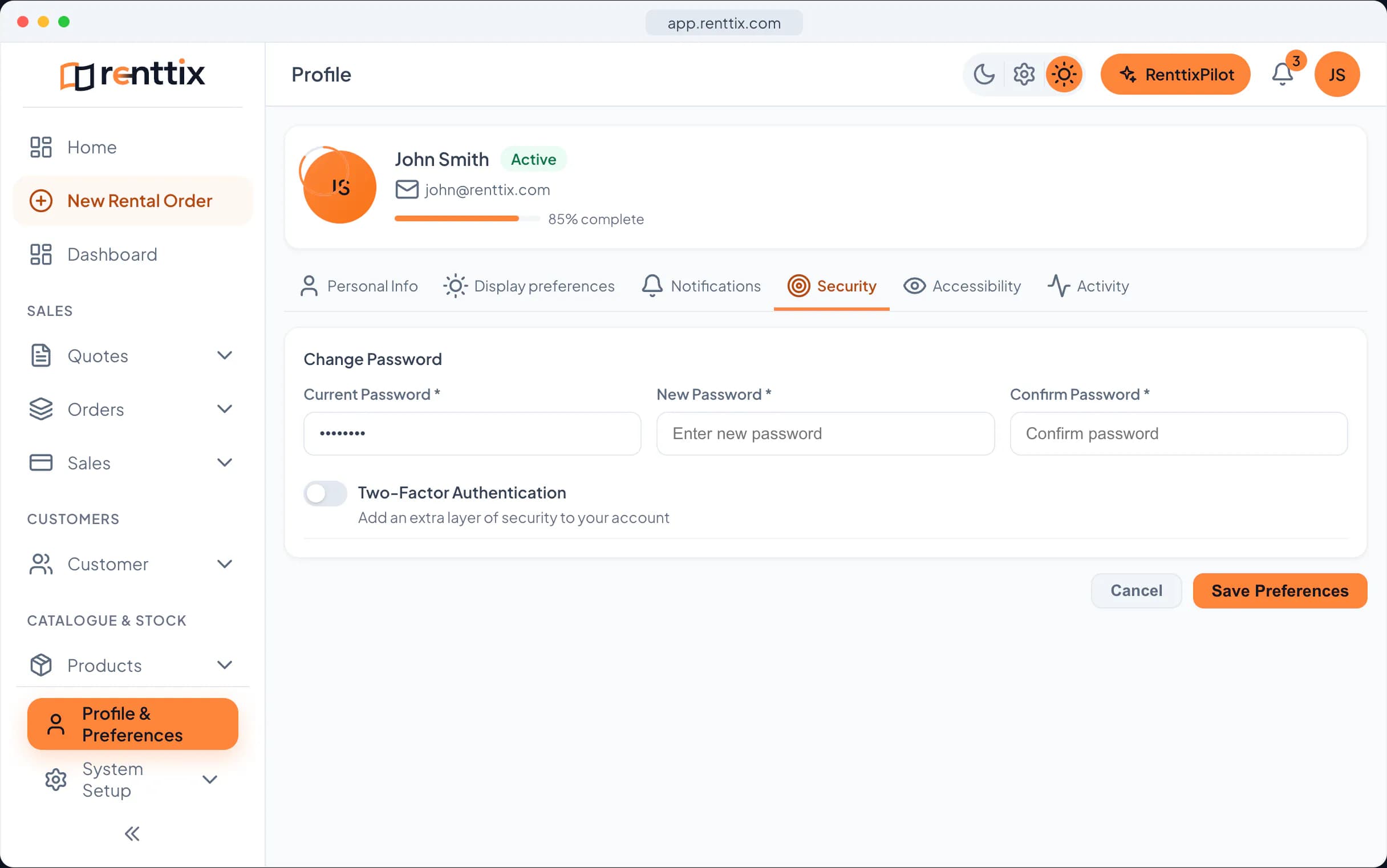
For teams without an identity provider, passkeys bring phishing-resistant sign-in to any account: a fingerprint or face unlock instead of a password that can be reused, guessed, or leaked. Two-factor authentication adds a second check for accounts that keep passwords.
Team onboarding is controlled too — invite links bring new users in with the right role from the first minute, and links can be rotated the moment one escapes captivity.
Permissions that mean something
Most software permissions are decorative — a hidden menu item and an exposed API. Renttix permissions are enforced where it counts: on the server, on every request.
Access is role-based, built from a registry of fine-grained permission keys covering every module — orders, finance, dispatch, workshop, warehouse, and the rest. Roles bundle the keys; users carry the roles; the backend checks the keys. A user without financial permissions gets no financial data, whichever door they knock on — the interface, the API, or the AI assistant.
Sub-users let you give counter staff, drivers, and accountants exactly the slice they need, and nothing else.
High-risk actions — overrides, deletions, configuration changes — carry elevated permission requirements, so the dangerous levers need deliberate granting rather than defaulting to everyone.
An audit trail that holds up
Access control tells you who may act. The audit trail tells you who did.
Renttix records changes to sensitive records automatically — who changed what, when, and from what to what — with sensitive values redacted from the log itself, because an audit trail that leaks passwords is worse than none.
Staff changes, permission grants, financial adjustments, overrides, and configuration edits all leave entries. When something looks wrong three weeks later, the sequence of events is a query, not an interrogation.
Combined with API request logs and webhook delivery records, the platform's answer to 'what happened?' is consistently: it is written down. That is the posture larger customers, insurers, and auditors increasingly demand from operational software — and the posture that lets your business pass their questionnaires without a special project.
Security and access FAQ
Does Renttix support single sign-on?
Yes. SSO connects Renttix to your identity provider so account lifecycle and password policy are governed centrally, with an admin portal link for managing the connection. Passkeys and two-factor authentication are available for every account.
How granular are permissions?
Permissions are fine-grained keys per module and action — viewing maintenance, approving holiday, running invoice batches — bundled into roles you define. They are enforced server-side on every request, including API and AI assistant traffic.
What does the audit trail capture?
Changes to sensitive records — who, what, when, and the before/after values — with sensitive fields redacted. Staff changes, permission grants, overrides, and configuration edits all leave entries you can query later.
Related features
Integrations & Platform Control
Developer API & Webhooks
Build on your rental data with a documented REST API, scoped keys, and webhooks that tell your systems what just happened.
Workforce
Hours, pay, absence, records and compliance for the people who run your hire business — clock-in through to payroll export, built into Renttix and the Renttix Field app rather than bolted on beside it.
AI Knowledge, Documents & Onboarding
An assistant that has read your documents, searches your records by meaning, remembers how you work — and sets new businesses up in a free guided conversation.
Testing, Inspections & Compliance
Statutory test regimes with regional presets, expiring certificates that chase themselves, and assets that cannot leave the yard non-compliant.
Developer Platform & Ecosystem
Everything Renttix does, your developers can do too — a 600-operation API, official SDKs, signed webhooks, an app marketplace, and first-class support for AI agents.
Open your first hire record today
14-day free trial · Payments and deposits ready · Quick setup