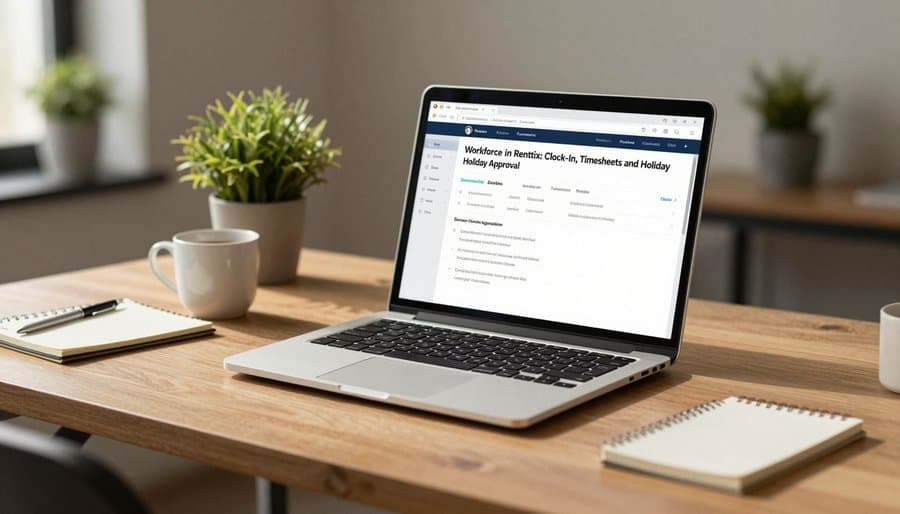
Why Hours and Holiday Belong in Your Rental System
Most hire businesses run operations in one system and people in another — or in no system at all. Hours live on paper timesheets. Holiday lives in a spreadsheet, or in someone's head.
The problem is that hours and leave are operational data. Who is on the clock right now decides what you can dispatch today. Who is on holiday next month decides what you can promise customers. Workforce puts that data where those decisions are made.
Clocking In From Wherever You Work
Field staff clock in and out from the Renttix Field app at the start and end of their shift. Office staff clock in from their own profile in the web system. Both land in the same attendance record.
There is no new device, no wall-mounted terminal, and no separate login. Staff clock in where they already are, and the timesheet builds itself.
Timesheets Managers Can Actually Use
The Workforce console shows hours per person across any date range — shifts worked, total time, and who is on the clock at this moment.
Because Renttix also captures billable labour against jobs, managers can see attendance hours and billed hours side by side. That comparison is the honest measure of utilisation, and most businesses have never been able to see it without a spreadsheet project.

Holiday Booking With a Real Balance
Staff see their own holiday balance before they ask: allowance for the year, days booked, days awaiting approval, days remaining. Requests are made from the Field app or the web profile in a few taps.
Requests that overlap an existing booking are rejected automatically, and a request that exceeds the remaining allowance never reaches the manager. The awkward conversations disappear because the arithmetic happens up front.
Approval That Takes One Click
Pending requests queue in the Workforce console with everything a manager needs: who, which dates, how many working days, and any note attached. Approve or decline with a click and an optional decision note.
Prefer not to gate leave at all? Switch approval off and bookings confirm themselves. Sick and unpaid leave are recorded alongside holiday for visibility, without touching the allowance.
Your Policy, Your Rules
Renttix serves rental businesses across many countries, so Workforce imposes no statutory defaults. You set the annual allowance in working days, override it per person where needed, and decide whether weekends count toward a request.
The module ships switched off. Enable it from system setup and the clock, holiday screens, and console appear everywhere at once. One more deliberate choice: employment data is excluded from the Renttix AI assistant entirely — hours and leave stay between staff and their managers.
Sources: Renttix Product Documentation