

Visual scheduling and calendars
Rental businesses live and die by their calendars. Who needs what, where, and when — and can you actually deliver it on time?
Renttix provides drag-and-drop scheduling calendars that give your operations team a clear visual picture of every booking, delivery, collection, and service job. Create new bookings directly from the calendar by clicking on a date and dragging to set the hire period. Move existing bookings by dragging them to new dates. See at a glance where your capacity is stretched and where you have room.
The dispatch calendar is purpose-built for logistics coordination. It shows all delivery and collection jobs for each day, organised by route, driver, and vehicle. Your dispatch team can see who is going where, what they are carrying, and whether there is room on an existing route for an additional stop.
Unlike generic calendar tools, these views are connected to your live order data. When an order changes — an extension, a cancellation, an address update — the calendar reflects it immediately. No manual updates, no missed changes, no confusion between what the calendar says and what the order actually requires.
Route planning and optimisation
Every unnecessary mile driven is money wasted. Every poorly sequenced route costs you time, fuel, and driver hours that could be spent on revenue-generating work.
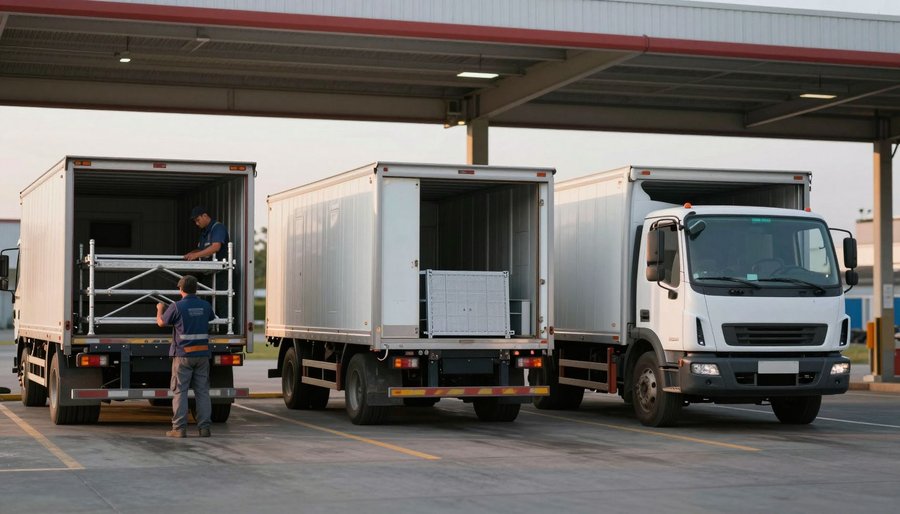
Renttix includes route planning tools that let your dispatch team build efficient delivery and collection routes. Stops are sequenced based on location, with optimisation that accounts for the geography of your service area rather than just listing addresses in the order they were booked.
Routes are linked to vehicles and drivers, so your team can see capacity constraints — is the lorry big enough for all the items on this route? Is the driver qualified for this vehicle type? Route costs are visible during planning, giving your dispatch team awareness of what each route will cost before it goes out.
Fleet and vehicle management is integrated directly. Each vehicle has its own profile with capacity, type, and availability. When planning routes, the system helps your team match the right vehicle to the right jobs, avoiding the situation where a flatbed is sent for a job that needed a crane lorry.
Editing routes is straightforward. Drag stops to reorder them, add new stops to an existing route, or split a route across two vehicles when the load is too large. Changes sync to the driver app in real time.
Field tracking and intelligence
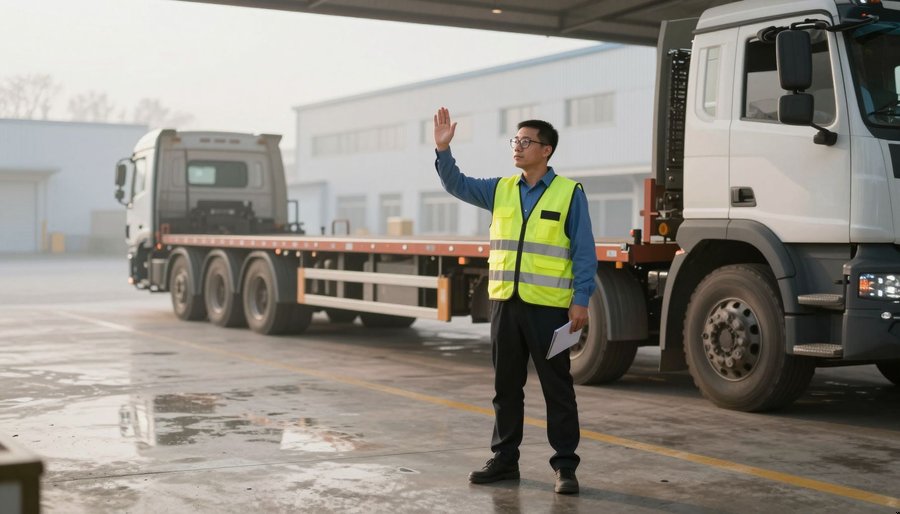
Once drivers leave the depot, most hire businesses lose visibility. They do not know where their vehicles are, whether deliveries have been completed, or if a driver is running behind schedule.
Renttix provides map-based visualisation of your fleet and active routes. See where each vehicle is, which stops have been completed, and which are still pending. Geofencing alerts your team when a driver arrives at or departs from a site, giving you automatic confirmation without requiring the driver to make a phone call.
GPS tracking gives your operations team confidence that jobs are progressing as planned. If a driver is running late, the office knows before the customer calls to complain.
Address intelligence validates delivery addresses during order creation, reducing failed deliveries caused by incorrect postcodes or ambiguous site descriptions. For construction sites and temporary locations, your team can drop pins on maps and add access notes that travel with the job to the driver app.
Floating tasks — ad-hoc jobs that are not tied to a specific route — can be assigned to the nearest available driver based on their current location, making it easy to handle same-day requests without disrupting planned routes.
Try this feature in the live demo
Explore the full Renttix platform. No signup required.
Related features
Scheduling and dispatch FAQ
Yes. Click on a date and drag to set the hire period, then fill in the order details. The booking is created with the correct dates already set, and availability is checked automatically before confirmation.
Stops are sequenced based on geographic proximity and road layout, not just the order they were booked. Your dispatch team can optimise routes with a single click and then fine-tune manually if needed. Route costs are calculated so you can see the impact before the vehicle leaves.
Yes. When the office adds, removes, or reorders stops on a route, the changes sync to the driver app immediately. Drivers see updated instructions without needing to call the office or refresh manually.
Ready to replace your spreadsheets?
Explore the full platform free for 14 days. No credit card required.